

Insta Pro Features
Read Guide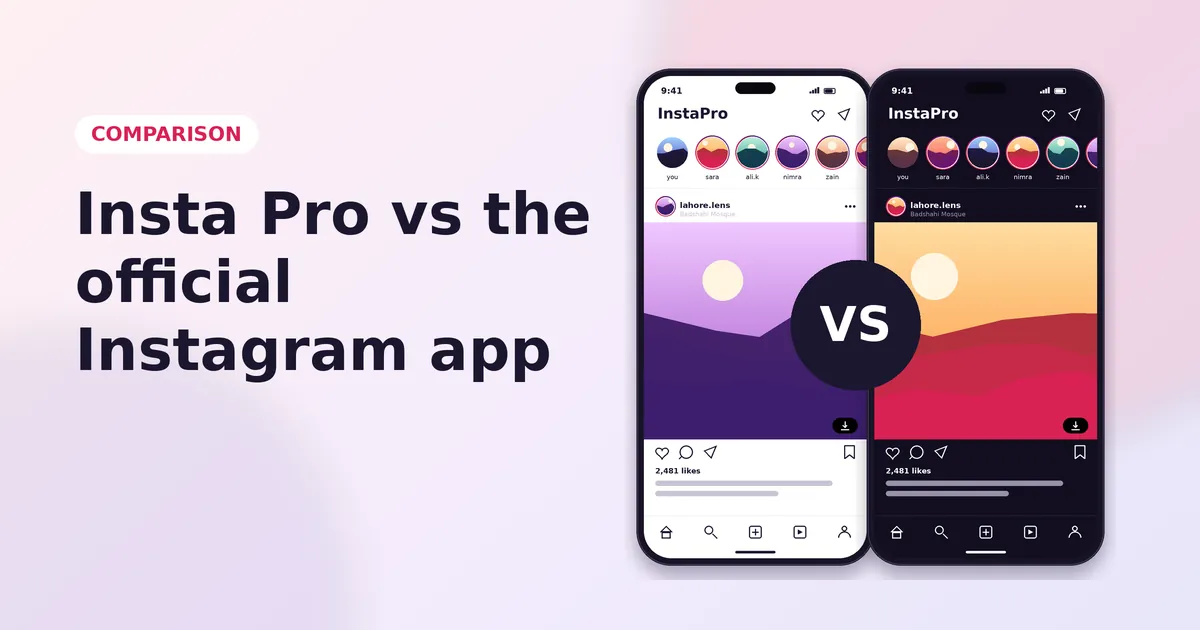
Insta Pro and Instagram show the same feed, but they offer very different tools. Here is a clear side-by-side comparison to help you choose.
| Feature | Insta Pro | |
|---|---|---|
| Download photos and videos | No | Yes |
| Download Reels | Public Reels only, with watermark | Yes, no watermark |
| Save Stories | No | Yes |
| Ghost mode | No | Yes |
| Hide seen status | Read receipts toggle | Yes |
| Hide typing status | No | Yes |
| Ad-free | No | Yes |
| Themes and fonts | Dark mode only | Yes |
| App lock | No | Yes |
| Automatic updates | Yes | No |
| Official support | Yes | No |
The official app lets you save posts to Collections and download some public Reels with a watermark. Insta Pro goes much further: it saves photos, videos, Reels, Stories and Highlights straight to your gallery, without a watermark.
Instagram lets you turn off your activity status and read receipts. Insta Pro adds ghost mode for Stories and hides the typing indicator too, so you control exactly what others see.
Instagram shows sponsored posts in your feed, Stories and Reels. Insta Pro removes them, which makes scrolling cleaner and faster.
The official app offers light and dark mode. Insta Pro adds full colour themes, a true black theme and custom fonts.
This is where Instagram wins. The official app updates itself from the Play Store and has an official help centre. Insta Pro needs manual updates from a site like ours, and there is no official support.
Instagram's terms do not allow unofficial apps, and Instagram can restrict accounts it flags. If your account matters for work, the official app is the safer choice. If you want the extra features, use Insta Pro with two-factor authentication turned on, or try it with a second account first.
Pick Instagram if you only need the basics and want automatic updates. Pick Insta Pro if you want downloads, ghost mode, no ads and custom themes. You can also use both: install Insta Pro 2 to run the mod next to the official app.
More Insta Pro guides
Insta Pro Features
Read Guide
How to Install Insta Pro on Android
Read Guide
APK Safety Guide
Read Guide