Insta Pro Features
A feature-by-feature look at what Insta Pro builds claim, the closest official Instagram option for each one and how to judge the claims.
Read Guide
Android APK
Insta Pro is a modified version of Instagram for Android that adds media downloads, privacy controls and themes the official app does not have. It is shared as an APK file rather than through Google Play. You can download it below, and this page explains its versions, features, installation steps and risks so you know exactly what you are installing.
The download link has not been configured yet, so the button is disabled.
InstaPro Download is an independent site. Insta Pro is not made or endorsed by Instagram or Meta, and the file has not been security-audited.
| App name | Insta Pro |
|---|---|
| Category | Social media (modified Instagram) |
| Platform | Android |
| File format | APK |
| Price | Free |
| Version | Not verified |
| File size | Not verified |
| Developer | Not verified |
| Official status | Not affiliated with Meta |
Insta Pro APK is a third-party edition of the Instagram app for Android. It keeps everything you already know, including the feed, Reels, Stories, Explore and Direct Messages, and adds settings that Meta has chosen not to include. The best known are downloading photos, videos, Reels and Stories, hiding your activity from other users, removing ads and changing the app's look.
Because it changes another company's app, Insta Pro is not available on Google Play. It is shared as an APK, the installation file format Android uses, and installed manually. That has practical consequences for updates, compatibility and account security, which this page covers section by section.
Insta Pro starts from the real Instagram Android app. A modder unpacks that app, changes parts of its code to add or unlock features, and packs it again as a new APK. When you log in, you connect to Instagram's normal servers with your normal account, which is why your posts, followers and messages all appear as usual. Only the app on your phone is different.
Every Android app is digitally signed by its publisher. Once Instagram's code has been changed, Meta's signature no longer fits, so the modder signs the app with their own key. That is why Insta Pro cannot install as an update to the official app, and why two files with the same name can come from different people and contain different changes.
Insta Pro mainly appeals to people who often save media for offline viewing, want more control over what others can see about their activity, or simply prefer a different look. It is less suitable for anyone whose account matters for work or income. Business pages, creator accounts and accounts holding years of memories are the ones you would least want restricted.
The download button on this page links straight to an APK stored on this website's own server. There is no countdown, no redirect and no sign-up. We have not been able to verify the file's version, size, developer or build date from a reliable source, so those fields are marked "Not verified" instead of being filled with numbers copied from other sites.
After installing, you can see the real version number on your phone under Settings > Apps > Insta Pro > App details. The Insta Pro APK download page lists the full file details, compatibility notes and troubleshooting steps.
Download sites use many names for Insta Pro builds: latest version, 2, 3, old version and more. None of these labels comes from an official release system, because Insta Pro has no official publisher. The table summarises what each label usually means.
| Label | What it usually means | Status |
|---|---|---|
| Insta Pro (latest version) | The newest build a distributor offers, based on a recent Instagram release | File hosted here; version shown after install |
| Insta Pro 2 | A separate build, often with its own package name so it installs beside other apps | Not verified |
| Insta Pro 3 | A label used by several sites without one traceable developer | Not verified |
| Insta Pro old versions | Earlier builds based on older Instagram releases | Not hosted here |
"Latest version" usually means the newest build a distributor has, based on a recent Instagram release. A build based on a recent Instagram version is more likely to log in smoothly and keep working, because Instagram eventually stops supporting very old app versions. The only reliable way to know which version you have is the version number Android shows after installation, not the label on a download page.
Insta Pro 2 is most often described as a second copy that uses a different package name. The package name is Android's internal identifier for an app, so changing it lets the build sit beside the official Instagram app or another mod. We could not trace it to one developer. Our guide to Insta Pro 2 explains what can be checked.
Insta Pro 3 is presented on several sites as the next step after Insta Pro 2, but we found no single traceable source behind it. A higher number does not mean newer code, more features or better security. Our page on Insta Pro 3 shows how to compare any two builds yourself.
People look for Insta Pro old versions for three main reasons: their phone runs an older Android release that a new build does not support, a feature they liked was removed, or a new build keeps crashing. This site does not host old versions, but the same rules apply wherever you find one.
The features below are advertised by distributors of various Insta Pro builds. We have not confirmed them for the file on this site, and availability changes between versions and after Instagram updates. Where the official app offers something similar, it is noted so you can decide whether you need a modified app at all. The features guide explains how to judge claims like these.
The feature most people install Insta Pro for is a download button on feed posts. It saves photos and videos directly to your phone's gallery, including every item in a carousel post, without screen recording or a separate downloader app.
It is useful for keeping recipes, tutorials, travel ideas or your own older posts offline. Saving content does not give you the right to repost it, so credit or ask the creator before sharing.
Official option: save any post to a Collection inside the app. This keeps a bookmark, not a file.
Insta Pro builds commonly add a download option to Reels, saving the video in the quality Instagram delivers to your phone. Some builds also let you save the Reel's audio separately.
Official option: Instagram lets you download Reels from public accounts through the Share menu. The file carries the creator's username as a watermark, and creators can switch the option off.
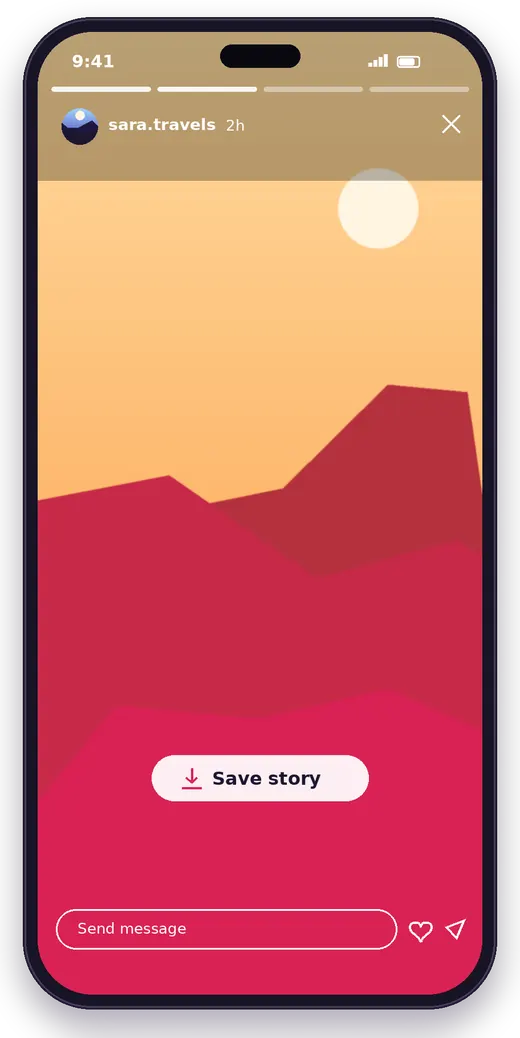
Stories disappear after 24 hours, and the official app has no way to save other people's Stories. Many Insta Pro builds add a save button to the Story viewer, and some can save Highlights too.
Stories are often shared because they are temporary, so saving one without asking can upset the person who posted it.
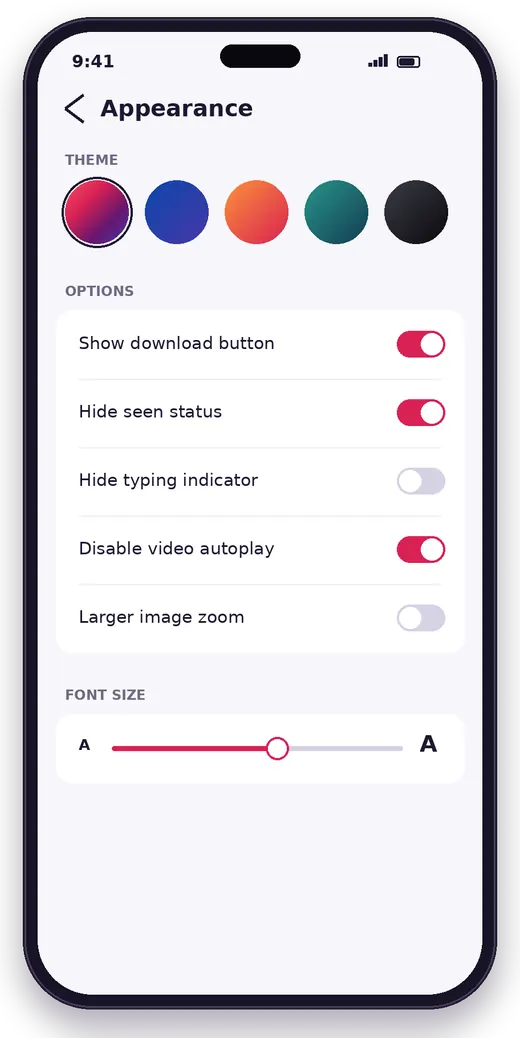
Ghost mode is the name distributors use for a group of privacy options: watching Stories without appearing in the viewer list, hiding the typing indicator in chats and stopping messages from showing as seen.
These options depend on how Instagram's servers behave, so they are among the first to stop working after an update.
Official option: you can turn off activity status, and switch off read receipts for all chats or for a single conversation.
Some builds hide sponsored posts in the feed, Stories and Reels, which makes scrolling quicker if you use Instagram a lot. Instagram changes how ads are delivered from time to time, so ad blocking can stop working without notice.
Insta Pro builds usually include colour themes that change the app's accent colours and backgrounds, often with a true black option for phones with OLED screens. These changes are cosmetic and do not affect your account data.
Official option: Instagram has a dark mode that follows your phone's setting, but no full theme system.
Some builds let you change the font used across the app, or offer styled text for bios and captions. Font options vary a lot between builds, so check screenshots of the exact file if this matters to you.
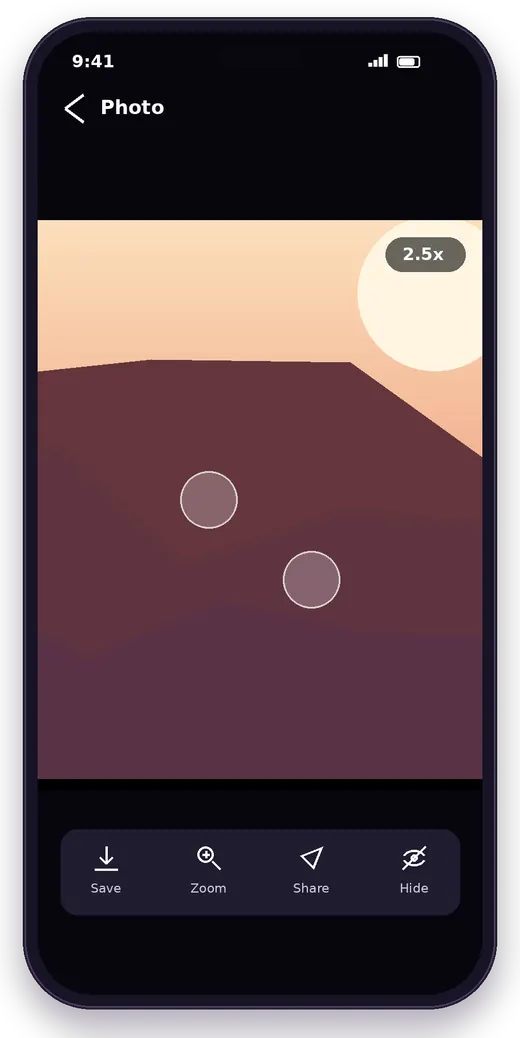
The official app shows profile pictures only as small circles. Insta Pro builds often let you tap and hold to open a profile photo at full size. That helps when you want to check whether an account is genuine before you follow or message it.
Builds often allow deeper zoom on photos and add video controls such as a seek bar, playback speed and the option to stop videos playing automatically. The sharpness you see is still limited by the resolution Instagram stores.
Distributors often claim that Insta Pro uploads photos and videos with less compression. Instagram processes every upload on its own servers, whichever app sends it, so treat these claims with caution.
Official option: the app has a setting to upload at the highest quality your connection allows.
An app lock asks for a PIN, pattern or fingerprint before Insta Pro opens. In some builds it can also lock individual chats. This is useful if other people use your phone.
Official option: many Android phones now include a built-in app lock that works with any app, including Instagram.
The official app does not let you select text in captions, bios or comments. Several Insta Pro builds add a copy option, which is handy for saving a recipe from a caption or a link from someone's bio.
Some builds advertise a list of accounts that do not follow you back, or a notice when someone unfollows you. Features like this rely on repeatedly reading follower lists, which is the kind of automated activity Instagram watches for. Use them sparingly.
Builds may add extra interface languages and finer notification filters, for example alerts for messages only. The official app already supports many languages and most notification types, so the difference is usually small.
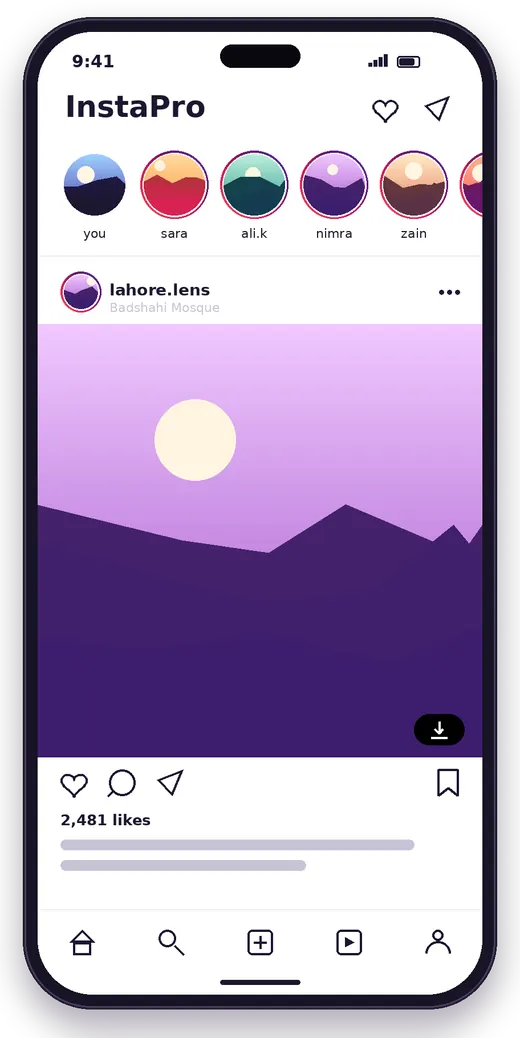
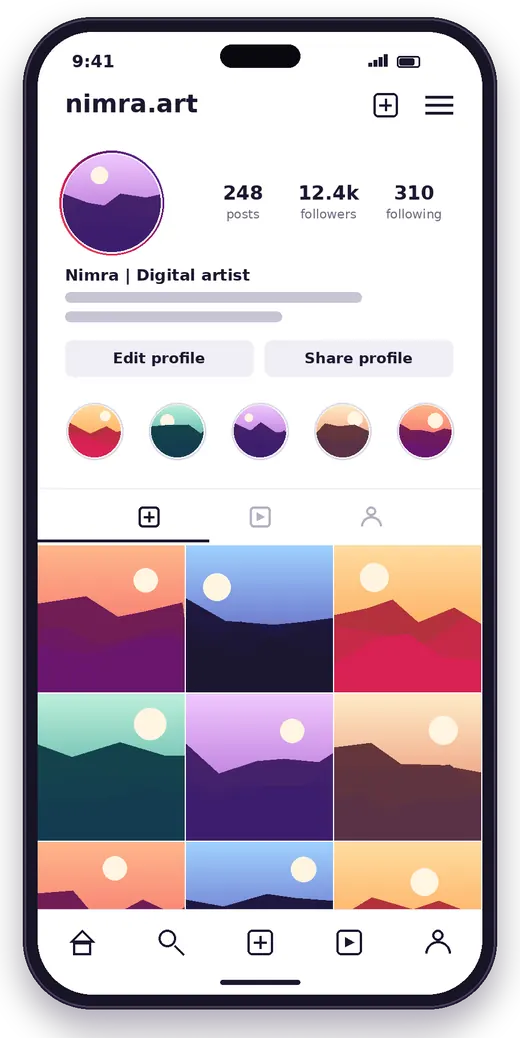
These illustrations were created for this website with fictional accounts to show the kind of options described above. They are not screenshots of the APK and do not prove that a feature exists in a particular build.
An APK on a website is not proof that the file is genuine. A few checks before and after downloading reduce the chance of installing something you did not intend to.
Compare the file name and size with what the download page says, and make sure the download finished completely. A checksum, if one is published, is only meaningful when it comes from a source you already trust. After installing, check the version in App details.
Prefer sources that explain what they host and do not hide downloads behind pop-ups, fake buttons, countdowns or requests to install another app first. No genuine APK download ever asks for your Instagram password.
Menu names differ between phone brands, so the paths may look slightly different on your device. The full installation guide covers older Android versions and every error message in detail.
Tap the download button and wait until your browser shows the download as complete.
Open it from your browser's downloads list or from the Downloads folder in the Files app.
If Android blocks the file, tap Settings and switch on Allow from this source for your browser or Files app.
Google Play Protect checks apps from outside Google Play and may warn you or offer a deeper scan. Read it before continuing.
Tap Install, then check Settings > Apps > Insta Pro > Permissions before logging in.
Go back to Install unknown apps and turn off the permission you granted.
The file is hosted on this site and linked directly.
Insta Pro is built for Android phones. Most modern phones use 64-bit ARM processors, and builds made for them will not install on much older devices. Check your Android version under Settings > About phone. You need free storage for both the APK and the installed app.
Android tablets can install the same APK. The layout is designed for phones, so on a large screen it may look stretched or show wide margins, just as the official Instagram app does on many tablets.
There is no Insta Pro for iPhone. APK files only install on Android, and iOS does not run them. Be wary of sites offering an iPhone version through configuration profiles or unknown installers, because these can give an outsider control over your device.
A PC cannot open an APK directly. Some people use an Android emulator, which runs Android apps on Windows. Performance depends on the emulator and your computer, and the same account precautions apply.
Both apps show the same feed and accounts, but they are published, updated and trusted in different ways. The official app has caught up in some areas, such as public Reel downloads and read receipt controls, while Insta Pro still offers Story saving, hidden Story views and full customisation.
| Official Instagram | Insta Pro | |
|---|---|---|
| Publisher | Meta | Third parties, often unidentified |
| Where you get it | Google Play | APK files from websites |
| Updates | Automatic | Manual |
| Media downloads | Public Reels with watermark | Posts, Reels and Stories (advertised) |
| Privacy options | Activity status, read receipts | Adds hidden Story views and typing (advertised) |
| Themes | Light and dark mode | Custom themes and fonts |
| Ads | Shown | Hidden in some builds |
| Account policy | Within Instagram's terms | May conflict with the terms |
| Support | Instagram Help Centre | None official |
For a section-by-section breakdown of support, signing and account policy, read the full comparison.
"App not installed" usually means another build with the same package name but a different signature is already on the phone. Uninstall it first. "Problem parsing the package" means the file is incomplete or needs a newer Android version, so download it again. Also check that you have enough free storage.
Instagram may run a security check when you log in from a new app. Confirm the login in the official app or by email, then wait before trying again rather than retrying repeatedly. Action blocks are temporary limits that Instagram places on accounts. Repeated likes, follows or automated features make them more likely.
Clear the app's cache under Settings > Apps > Insta Pro > Storage, then restart your phone. If crashes continue, the build may not support your Android version, or Instagram may have changed something a newer build has to account for.
Check that the app has permission to access photos and media, and that your storage is not full. If downloads stopped after an Instagram update, the feature may need a newer build, because download options depend on how Instagram serves media.
Switch between Wi-Fi and mobile data, then clear the cache. If the feed stays empty, your session may have expired, so log out and log in again. A feed that never loads can also mean the build is too old for Instagram's current servers.
Turn off video autoplay if your build has the option, clear the cache and close apps running in the background. Very old phones may struggle with recent Instagram code in both the official app and modified builds.
No one can honestly guarantee that a particular Insta Pro build is safe without examining its code. That is not an accusation that any build is harmful. It means you are relying on trust rather than evidence, and it helps to know where that trust is needed.
Builds are shared by people who usually cannot be identified, so no one is accountable for the code.
Your password and the session that keeps you signed in pass through modified code.
Play Protect and antivirus scans catch known malware. A clean scan does not prove code is harmless.
Use a secondary account, turn on two-factor authentication and deny permissions the app does not need.
If you logged in and later stop trusting the app, uninstalling is not enough. Change your password in the official app and log out of unknown sessions under Accounts Center > Password and security > Where you're logged in. The APK safety guide explains each step.
Insta Pro does not update through Google Play. To update, download the newer APK and install it over the existing app; your login and settings normally stay in place. Android only accepts an update signed with the same key as the installed version. If it reports a conflict, the new file came from a different signer, and you would need to uninstall the old build before installing it.
Go to Settings > Apps > Insta Pro > Uninstall. Then check that no unknown-apps permission is still switched on. If you no longer trust the build, change your Instagram password and log out of other sessions from the official app, because removing the app does not end the session it was using.
Most people want Insta Pro for saving media, privacy or a cleaner experience. Before picking another modified app, it is worth checking whether the official app already covers what you need. The other modified clients below come with the same trust and account concerns as Insta Pro, so none of them can be called a safer choice without evidence.
| Option | Type | Where it comes from | Main extras | Account risk |
|---|---|---|---|---|
| Official app | Google Play, App Store | Collections, public Reel downloads, read receipt controls | Lowest | |
| Instander | Modified client | APK websites | Downloads, privacy options, settings (advertised) | Similar to Insta Pro |
| Honista | Modified client | APK websites | Interface customisation, media saving (advertised) | Similar to Insta Pro |
| Insta Pro | Modified client | APK websites | Downloads, ghost mode, themes (advertised) | Higher than official |
The official app is updated automatically and is the only option supported by Meta. It lets you save posts to Collections, download Reels from public accounts, turn off activity status and read receipts, and download a copy of your own photos and messages through Accounts Center. Professional accounts can also schedule posts and Reels.
Instander is another modified Instagram client for Android. Its distributors promote media downloads, privacy options and detailed settings similar to Insta Pro's. Its current maintenance status and compatibility could not be confirmed.
Honista is a modified client whose distributors focus on interface customisation and media saving. As with the others, its current release status could not be independently confirmed, and the same source and permission checks apply.
A feature-by-feature look at what Insta Pro builds claim, the closest official Instagram option for each one and how to judge the claims.
Read Guide
The full installation process, from Android's unknown-apps setting and Play Protect prompts to permissions, errors, updates and removal.
Read Guide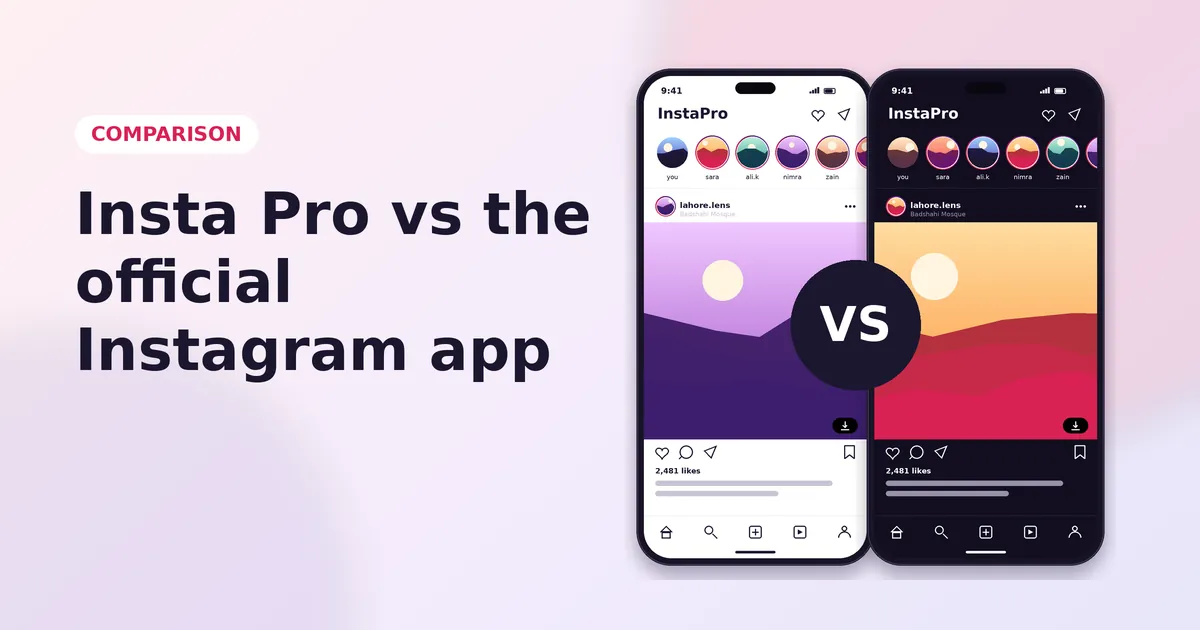
How the modified client differs from the official app on support, signing, updates, features, account security and policy.
Read Guide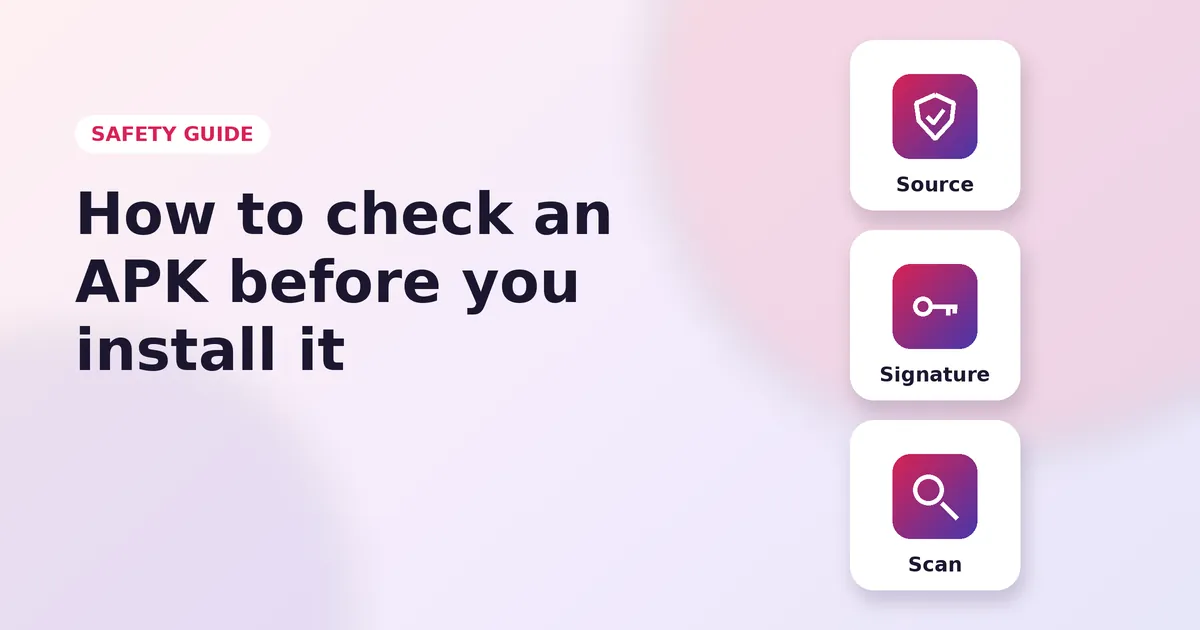
What source checks, checksums, signatures and antivirus scans can and cannot tell you before you install an APK.
Read GuideYes. The file on this site costs nothing and needs no sign-up, and the download button links straight to the APK. Insta Pro itself does not charge for its features.
Yes. Insta Pro logs in to the normal Instagram service, so your posts, followers and messages appear as usual. Because the app is modified, many people use a secondary account first.
Reel and Story downloads are the most commonly advertised features, but they depend on the build and can stop working after Instagram updates. For public Reels, the official app also has a download option.
The minimum Android version for the file on this site has not been verified. If the installer reports the app is not compatible, the build does not support your Android version or processor.
No. Insta Pro is distributed as an APK, which only installs on Android. iPhones cannot install APK files, and sites offering an iPhone version through profiles or unknown installers should be avoided.
Only through an Android emulator, which runs Android apps on Windows. The same account and permission precautions apply, and performance depends on the emulator and your computer.
No. Insta Pro is a third-party modification. It is not made, approved or supported by Instagram or Meta, and this website is not affiliated with either.
No one can promise either outcome. Instagram's terms restrict unauthorised access, and Instagram says it may restrict accounts that break its terms. It does not publish how often unofficial apps lead to this.
There is no guarantee, because the modified code has not been publicly reviewed and it handles your login session. Use a secondary account, turn on two-factor authentication and review permissions before logging in.
Google Play does not accept modified copies of other companies' apps. That is why Insta Pro is shared as an APK on websites, and why it does not update automatically.
Both are labels used by distributors rather than numbered releases from one developer. We could not confirm a reliable difference in features, publisher or version between them.
Download the newer APK and install it over the existing app. Android only accepts the update if it is signed with the same key, so a signature conflict means the file came from a different source.
Insta Pro gives Android users features that Instagram limits or leaves out: saving Stories, hiding Story views, removing ads, custom themes and copying text. The official app has caught up in some areas, especially public Reel downloads and read receipts, so it is worth checking whether it already covers what you need.
If you choose Insta Pro, treat it as what it is: an unofficial app that handles your login. Download the file, review its permissions, protect your account with two-factor authentication, keep important accounts on the official app, and know how to revoke a session if you change your mind.
Direct link, free, no sign-up.