
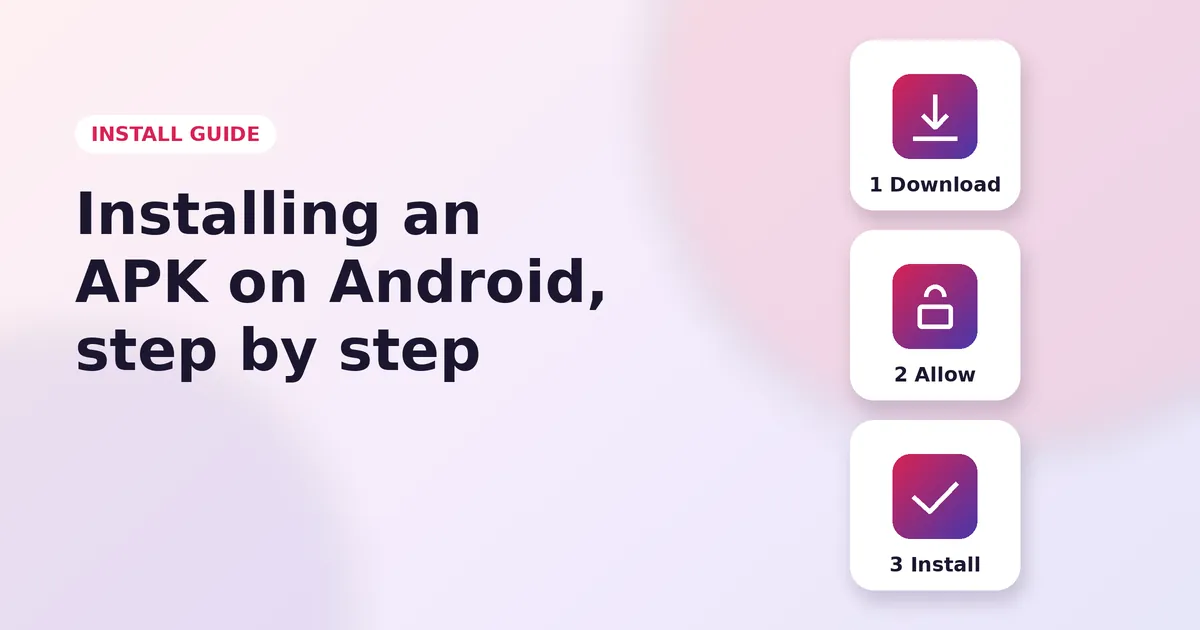
How to Install Insta Pro on Android
Read Guide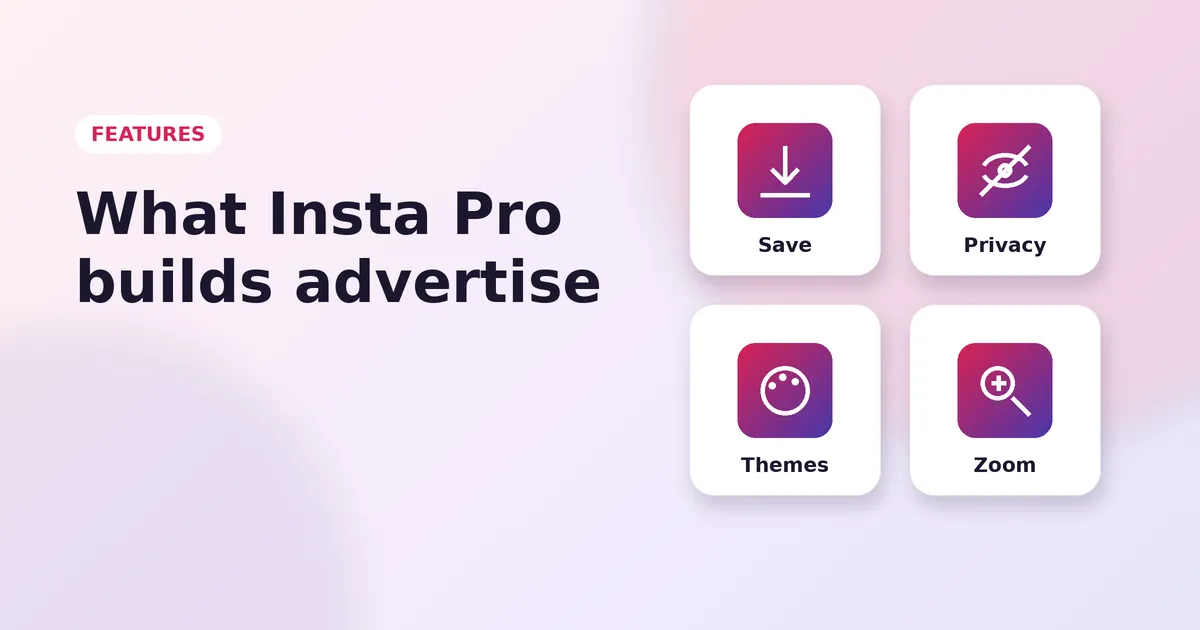
Insta Pro packs dozens of extra tools into Instagram. This guide walks through every feature, grouped by what it does, so you know exactly what to switch on.
Insta Pro adds a download button to every post. Tap it and the photo or video lands in your gallery in full quality. For carousel posts, you can save one item or all of them at once.
Save Reels without screen recording. You can also download only the audio of a Reel and use it later in your own videos.
Open any Story or Highlight and tap the download icon. The file saves before the Story expires, so you never lose a moment you wanted to keep.
Choose where your downloads go. Insta Pro can create a separate folder for each account, which keeps your gallery tidy.
Watch Stories without showing up in the viewer list. Turn it on for all Stories or switch it off whenever you want to be seen.
Read Direct Messages without sending a "Seen" tick. The sender only sees it when you choose to reply or turn the option off.
Write your reply in peace. Insta Pro stops the "typing" bubble from appearing in the chat.
Protect the whole app or selected chats with a PIN, pattern or fingerprint, so no one else can open your messages.
Switch between several colour themes, including a deep black theme for AMOLED screens. You can also change accent colours and icons.
Pick a new font for the whole app. The change applies to your feed, profile and chats.
Hide sections you never use, such as suggested posts, and keep your feed focused on the people you follow.
Insta Pro removes sponsored posts from your feed, Stories and Reels for a cleaner, faster experience.
Tap and hold any profile photo to see it in full size. It is a quick way to check whether an account is real.
Zoom deeper into photos, use a seek bar on videos, change playback speed and stop videos from playing automatically.
Long-press captions, bios and comments to copy them. Great for saving recipes, links and hashtags.
Translate comments and captions in other languages with a single tap.
Turn on the max quality option to upload sharper photos and videos with less compression.
Add several accounts and switch between them in seconds. If you want each account in its own app, use the Insta Pro 2 clone.
Open your profile, tap the menu in the top-right corner and choose the Insta Pro settings. Each group above has its own section there. Features can change slightly between versions, so always use the newest build from the download page.
More Insta Pro guides
How to Install Insta Pro on Android
Read Guide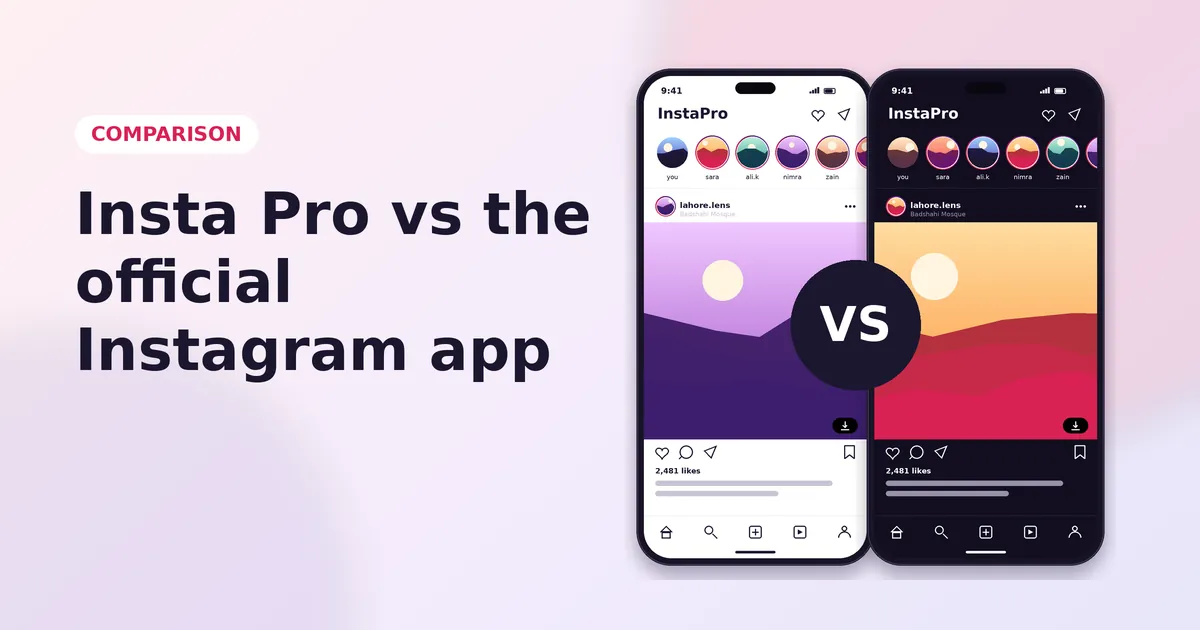
Insta Pro vs Instagram
Read Guide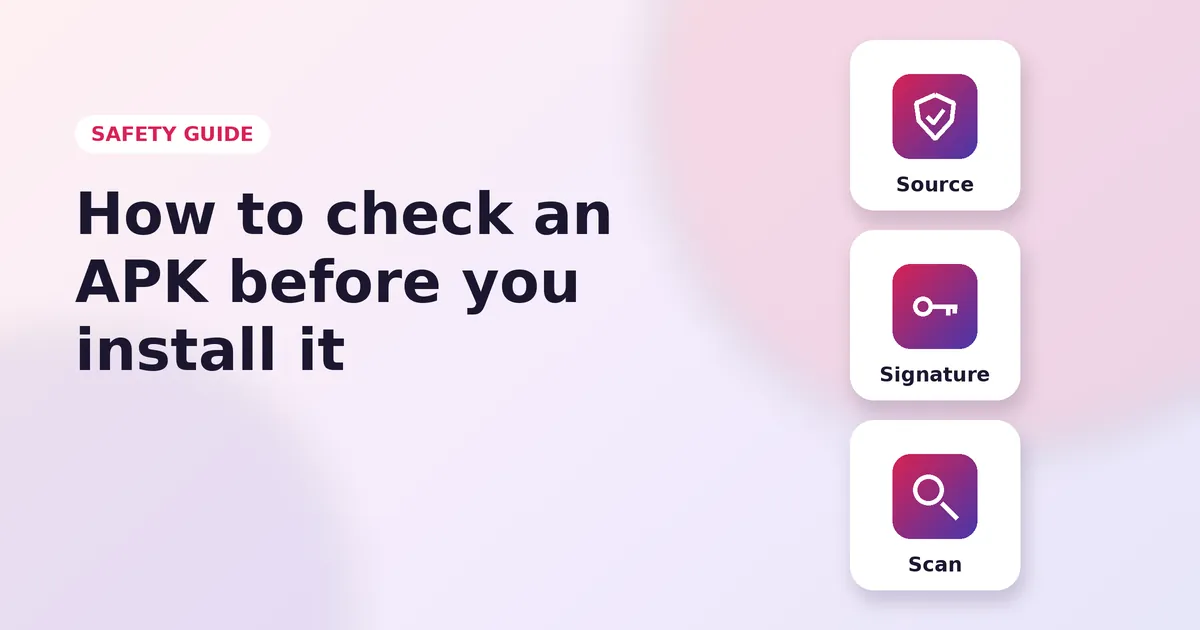
APK Safety Guide
Read Guide