
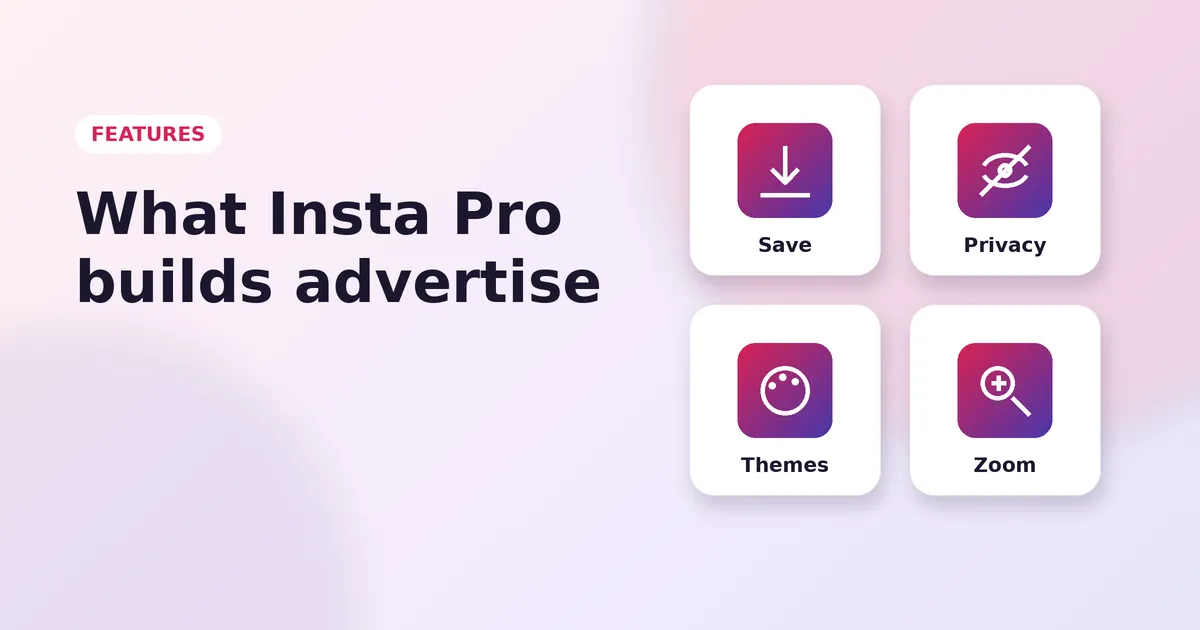
Insta Pro Features
Read Guide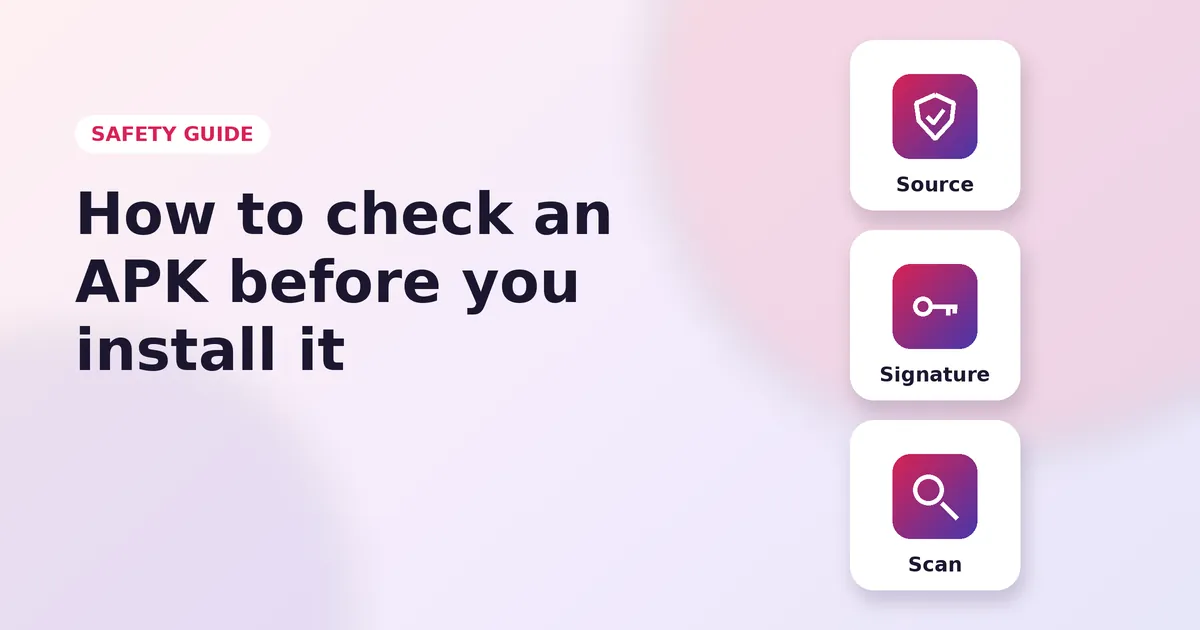
Modded apps like Insta Pro do not come from the Play Store, so a few simple checks go a long way. Here is how to stay safe before and after you install.
Only download APK files from websites that clearly show the app details, such as version and size, and do not hide the download behind pop-ups, fake buttons or surveys. A real download never asks for your Instagram password.
Google Play Protect checks apps you install from outside the Play Store and warns you about known threats. You can also upload the file to an online scanner such as VirusTotal before installing. A clean scan is a good sign, though no scanner catches everything.
After installing, open Settings, then Apps, then the app, then Permissions. An Instagram mod needs the camera, microphone and photos. It does not need your SMS messages, call logs or accessibility access, so deny those requests.
Two-factor authentication stops anyone from logging in with your password alone. Use an authenticator app for the best protection.
No website, app or support agent needs your verification codes. Anyone who asks for them is trying to take over your account.
If you are trying a mod for the first time, log in with a secondary account. Once you are happy, decide whether to use your main one.
Uninstalling alone does not end the app's login session. Changing your password does.
Ready to install? Head to the download page.
More Insta Pro guides
Insta Pro Features
Read Guide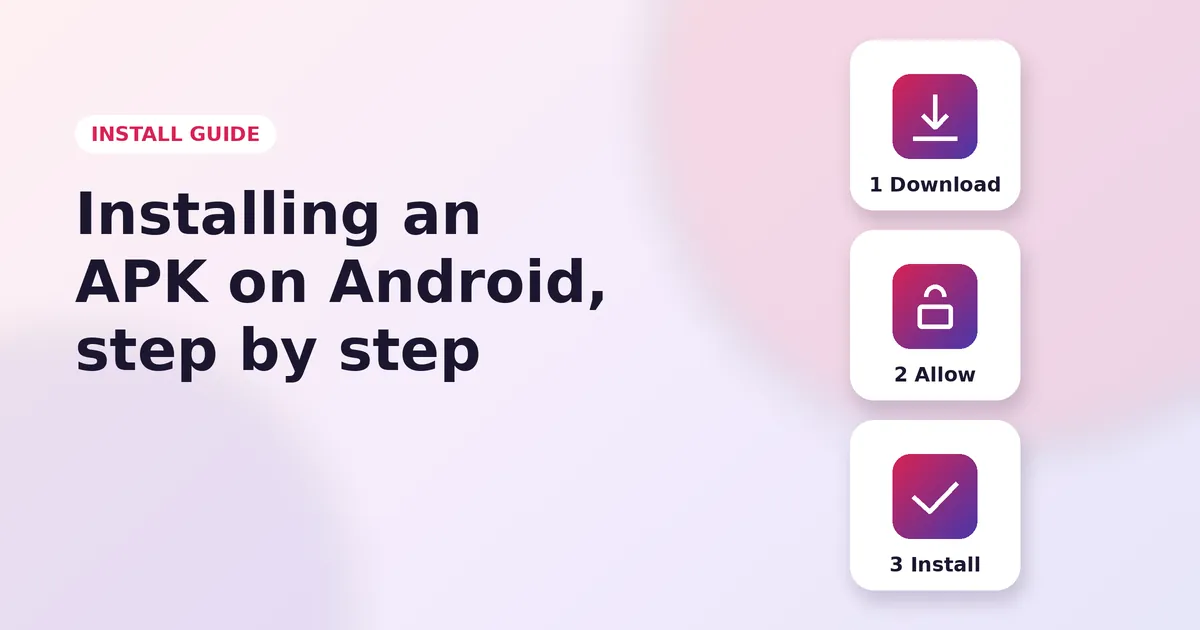
How to Install Insta Pro on Android
Read Guide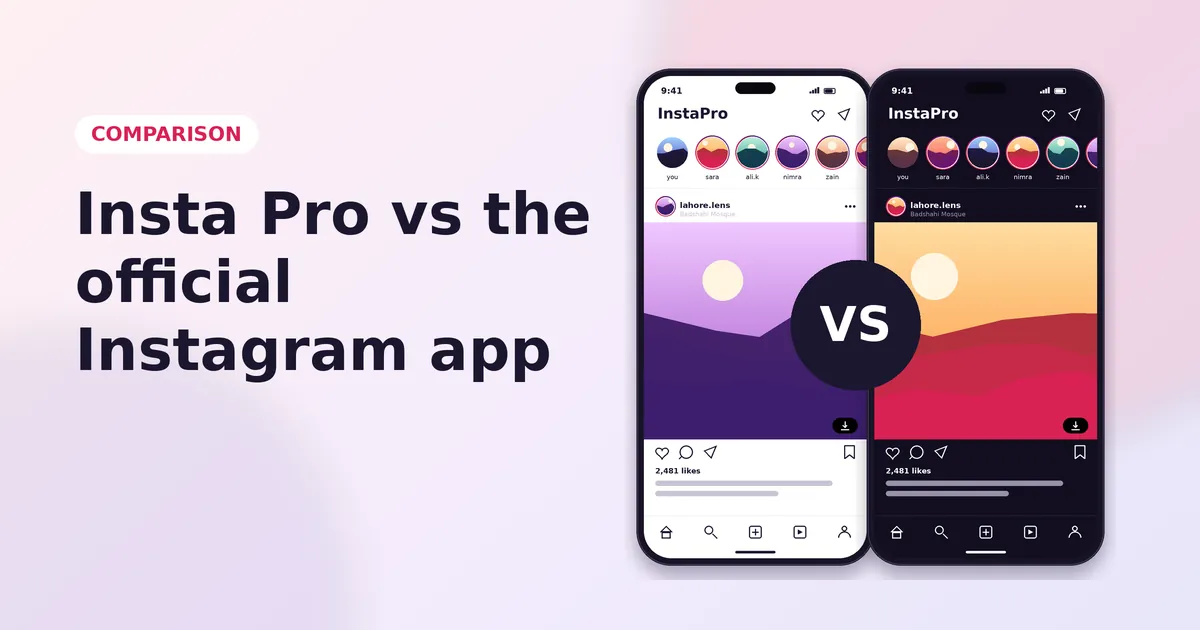
Insta Pro vs Instagram
Read Guide